Catch-All Domains vs. Disposable Inboxes: Why Your Verifier Treats Them Differently
If you've run an email list through a verification tool, you've probably noticed that not every "risky" result is flagged for the same reason.
Two categories in particular — catch-all and disposable — often get lumped together as "uncertain" or "unsafe to send," but they represent two completely different technical problems. Understanding why your verifier treats them differently can help you make smarter decisions about which addresses to keep, monitor, or remove.
The Core Difference: A Configuration Problem vs. A Lifespan Problem
At their root, catch-all domains and disposable inboxes fail verification for entirely different reasons.
Catch-all domains are a server configuration issue. The mail server is set up to accept every email sent to it, regardless of whether a specific mailbox actually exists.
Disposable inboxes are a lifespan issue. The mailbox is real and can receive mail, but it's built to self-destruct after a short period of time.
Because the underlying problem is different, the way a verification tool detects — and reports — each one is different too. It's the difference between a system that can't tell you the truth, and one that's telling you the truth today but won't be tomorrow.
How Catch-All Domains Work
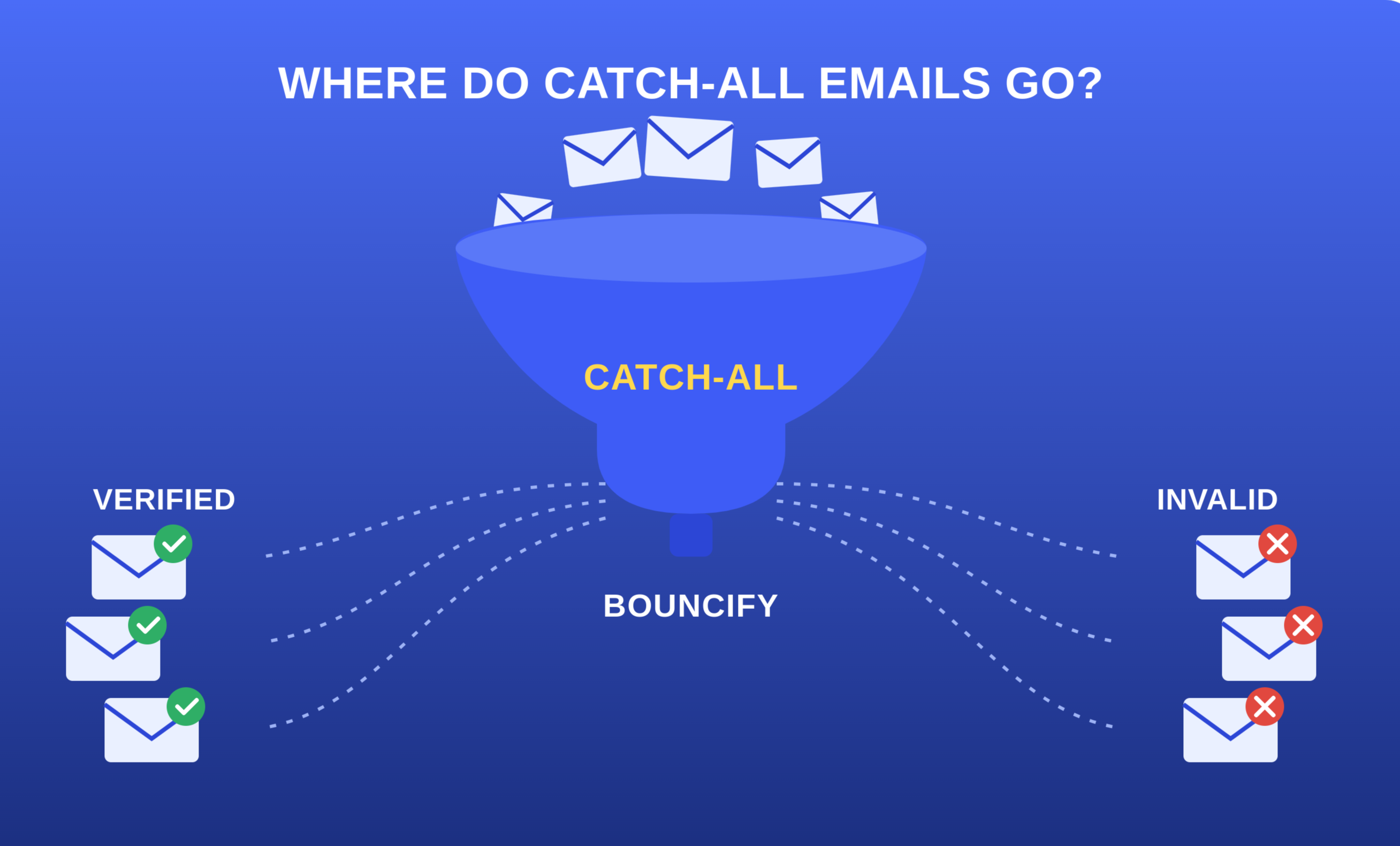
What's happening technically: When a verifier checks whether a specific address exists, most mail servers respond in one of two ways: accept (the mailbox is real) or reject (it doesn't exist). A catch-all server breaks this logic by accepting every address thrown at it, whether or not that mailbox is real. Test a genuine employee address and a completely made-up one against the same catch-all domain, and both come back "accepted."
Why your verifier can't confirm it: Since the server never rejects anything, the tool has no way to distinguish a real inbox from a fake one. It gets flagged as "catch-all" because the verifier is essentially saying: "I can't disprove this address, but I can't confirm it either."
Who typically has catch-all domains: Small businesses, organizations on shared hosting, and companies that would rather receive a misdirected email than risk losing a legitimate one due to a typo. Larger enterprises with dedicated IT teams tend to avoid this setup, since it also invites more spam.
The practical risk: Mail sent to a catch-all address might land in a real inbox — or vanish with zero bounce notification. This "silent failure" makes catch-all domains hard to clean using bounce data alone, since no bounce doesn't mean the message actually reached a person.
How Disposable Inboxes Work
What's happening technically: Disposable email services generate real, functioning mailboxes on purpose. When someone signs up with one, the mailbox exists and can genuinely receive mail — it would even pass a live check. The catch is that these mailboxes are intentionally short-lived, expiring in minutes, hours, or days.
Why your verifier flags it differently: Since a real-time check on a disposable address often comes back "valid," verification tools take a different approach. They maintain continuously updated databases of known disposable domains — temp-mail services, burner inbox generators, and similar tools — and cross-reference the address's domain against that list, flagging a match instantly regardless of current mailbox activity.
Why people use disposable addresses: Usually to access gated content, claim a free trial, or bypass a signup wall without handing over a real point of contact. It's a reasonable move from the user's side, but it means you've acquired a contact who was never planning to stick around.
The practical risk: Even a "successful" delivery to a disposable address is nearly worthless. By the time your campaign sends, the inbox is often already gone. These contacts will never open, click, or convert — they just inflate your list with dead weight and skew your engagement metrics.
Why the Distinction Matters for List Management
| Factor | Catch-All Domains | Disposable Inboxes |
|---|---|---|
| Root cause | Server accepts all mail | Mailbox is short-lived by design |
| Detection method | Server response behavior | Domain database matching |
| Is the mailbox real? | Uncertain | Yes, temporarily |
| Bounce risk | Unpredictable, often silent | Low now, high over time |
| Long-term value | Potentially high | Essentially none |
| Recommended action | Segment and monitor | Remove from active lists |
Treating both categories the same — keeping everything or removing everything — means taking on unnecessary bounce risk, or discarding contacts that may still hold real value.
How to Handle Each One
For catch-all domains:
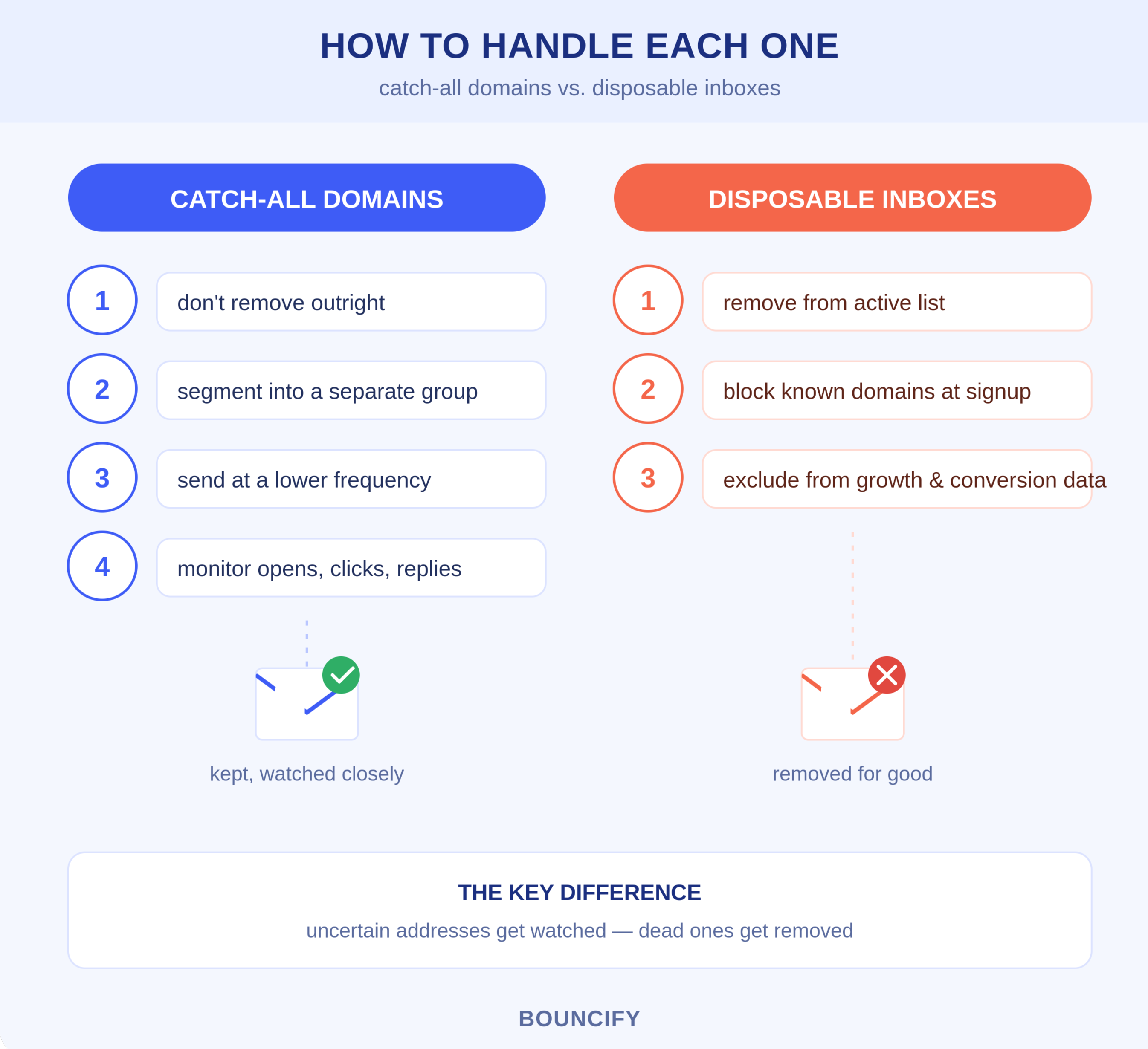
- Don't remove them outright — many belong to legitimate businesses.
- Segment them into a separate sending group.
- Send at a lower frequency to limit exposure while gathering more data.
- Monitor engagement (opens, clicks, replies) as a secondary validity signal.
For disposable inboxes:
- Remove them from your active sending list — they offer no long-term value.
- Add disposable domain checks at signup to stop new ones entering your list.
- Exclude these contacts from your list growth and conversion metrics.
Wondering How Many of Your Contacts Are Actually Reachable?
Before you hit send on your next campaign, run your list through Bouncify. New users can verify their first batch of emails for free, with no credit card needed to get started. Bouncify flags invalid, disposable, and catch-all addresses separately, giving you a clearer picture of which contacts are worth keeping, which need a closer look, and which should be cut loose — all without guessing.
Ready to see how your list breaks down? Verify your email list today and get a clear, categorized view of every address — so you know exactly what you're working with.
FAQ
Does emailing a disposable address damage your sender score?
Usually not right away, because the inbox is functional the moment it's created. The bigger downside shows up later — you end up spending sending resources on contacts who vanish within days and never had any intention of engaging long-term.
Is there a way to know for certain if a catch-all mailbox is genuine?
Not really. Because the server is built to accept mail for any address thrown at it, there's no technical way to isolate whether one specific mailbox is truly active. Labeling it "catch-all" is simply the tool being transparent about that blind spot, rather than guessing.
How are disposable emails detected if the mailbox is real?
Through databases of known disposable domains, updated regularly, rather than real-time mailbox testing.
Should I remove catch-all addresses?
Not automatically. Many represent legitimate businesses with simple server setups — segmenting and monitoring is safer than deleting.
Why do disposable emails end up on my list?
People use them to get gated content or trials without sharing a real address. Checking for disposable domains at signup helps prevent this.
Do catch-all and disposable affect bounce rate the same way?
No. Disposable addresses cause delayed bounces once the inbox expires; catch-all addresses often produce no bounce at all, making them harder to track.
How often should I re-verify these?
Re-check catch-all addresses periodically, since server configurations can change. Disposable addresses don't need re-verification — once flagged, remove them for good.