How an Ecommerce Brand Could Cut Bounces from 9% to 1.5% and Meet Gmail and Yahoo Sender Requirements with Bouncify
Gmail and Yahoo have tightened their sender rules, and mailbox providers now rate-limit or reject mail from senders who fall short. For ecommerce brands with large or aging email lists, that makes list quality a business priority. This case study shows how a typical ecommerce company could use Bouncify to clean its list, lower its bounce rate, and protect its sender reputation.
At a Glance
| Industry | Ecommerce |
| List size | 50,000 contacts |
| Challenge | High bounce rate and falling inbox placement |
| Solution | Bouncify email verification |
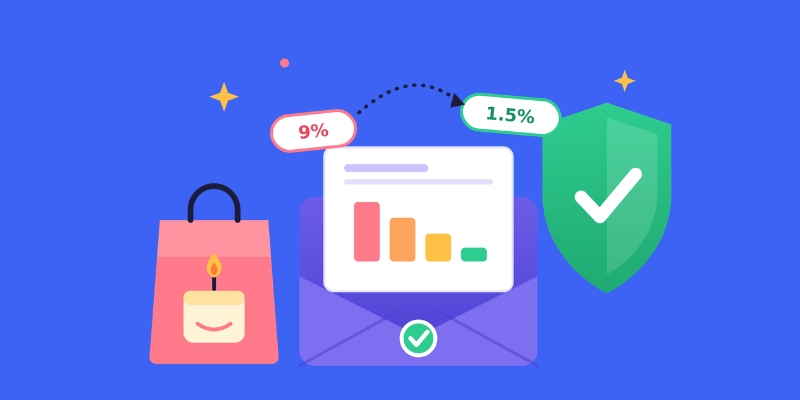
| Bounce rate | 9% before, 1.5% after |
| Spam complaint rate | 0.25% before, 0.08% after |
| Open rate | 18% before, 26% after |
| Wasted sending cost | Reduced by 15% |
Where the Brand Started
A small online shop selling candles, kitchenware, and decor, mailing its subscribers twice a week. Its subscribers had arrived by four routes: the checkout page, a welcome-discount pop-up, holiday giveaways, and a contact file inherited when the owner took over a smaller shop. Contacts came from several sources, and each group had different expectations. Many people who signed up for giveaways were interested mainly in the rewards, while those from the acquired database might not have been familiar with the retailer or its products.
Years went by, and the list quietly rotted. Some people left jobs and closed their inboxes. Others had mistyped their address at checkout and never received a single message. By the time the team looked closely, roughly one in eleven emails was coming straight back.
Repeated delivery failures can affect how mailbox providers assess a sender's reputation. If a business continues emailing invalid addresses, its messages may become more likely to land in spam folders or face other delivery problems.
Spam reports added to the pressure. Google and Yahoo both want senders to keep reports under 0.3%, and they suggest aiming for 0.1% or less, meaning about one report per thousand delivered messages. The shop was at 0.25%, one rough campaign away from trouble.
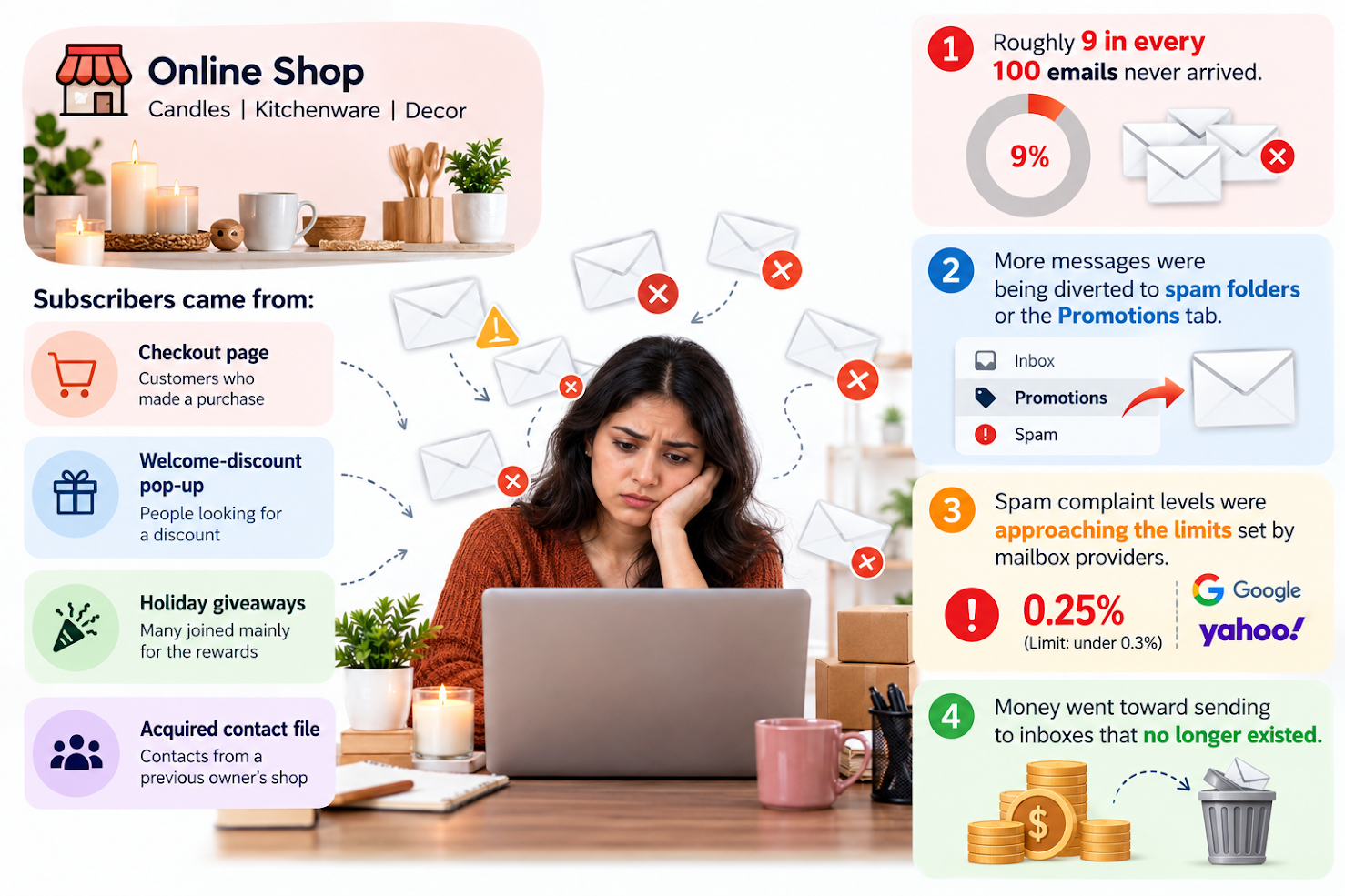
Put simply, the shop faced four problems:
- Roughly 9 in every 100 emails never arrived.
- An increasing number of messages were being diverted to spam folders or the Promotions tab.
- Spam complaint levels were approaching the limits set by mailbox providers.
- Money went toward sending to inboxes that no longer existed.
Why the Team Picked Bouncify
The marketing lead wanted something quick. There was no time for a long setup or a new system to learn. She needed to upload a file, get answers, and move on.
Bouncify fit that need. It reviews a whole list in one pass, flags addresses that are invalid, throwaway, or uncertain, and presents the findings in plain terms a non-technical marketer can use right away.
How the Cleanup Worked
The team worked in three stages.
The full list review. The retailer checked all 50,000 email addresses using a verification service. Addresses identified as invalid or disposable were reviewed and removed where appropriate before the next newsletter was sent. This helped reduce unsuccessful delivery attempts.
A second look at uncertain addresses. Some email addresses could not be classified with confidence. The retailer reviewed the verification results alongside its subscription records before deciding how to handle them. Contacts eligible for further communication could be considered for an appropriate re-engagement process, while addresses without valid marketing permission were left out of future campaigns.
Preventing the same issues from returning. The retailer added checks to its sign-up form to catch common typing errors and introduced regular email list reviews before major campaigns. This gave the team a consistent way to identify potential problems early and maintain better contact data over time.
What Changed After Three Months
The hypothetical results suggest that the retailer made progress in managing its email campaigns. By reviewing its contact database and removing problematic addresses, the business reduced unsuccessful delivery attempts.
Spam complaints also declined, suggesting that the retailer's approach to list management may have helped improve the quality of its outgoing campaigns. During the same period, more recipients opened the emails, indicating a possible improvement in audience engagement.
The business also reduced unnecessary email sends, helping it use its marketing resources more efficiently.
These outcomes illustrate how regular contact verification and responsible list management could support an ecommerce business. Actual results will vary depending on database quality, subscriber engagement, campaign relevance, and sending practices.
- Returned mail: 9% down to 1.5%
- Spam reports: 0.25% down to 0.08%
- Opens: 18% up to 26%
- Wasted sends: down 15%
Takeaways for Your Own List
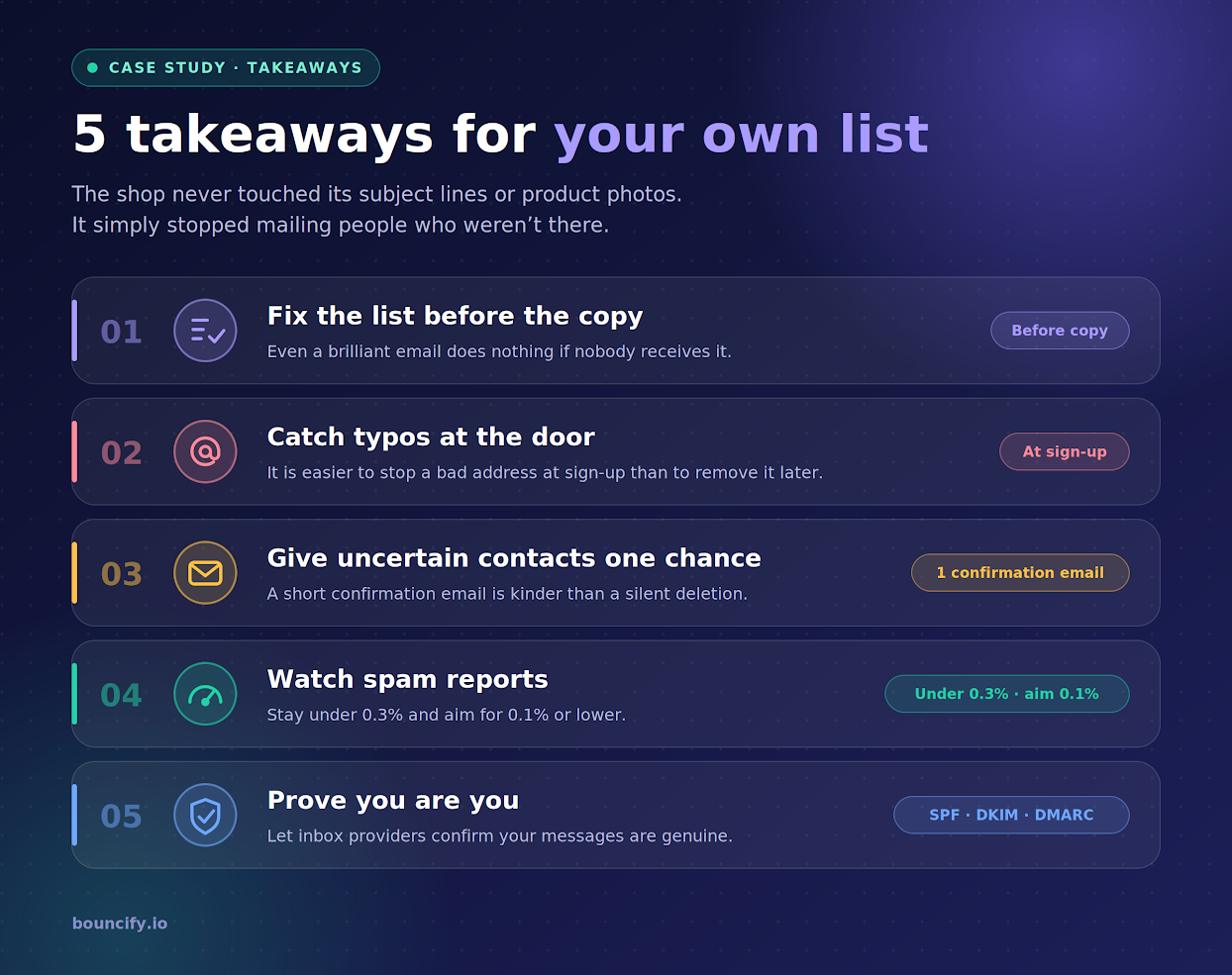
The shop never touched its subject lines or product photos. It simply stopped mailing people who weren't there. If you take away one thing, let it be this:
- Fix the list before the copy. Even a brilliant email does nothing if nobody receives it.
- Catch typos at the door. It is easier to stop a bad address at sign-up than to remove it later.
- Give uncertain contacts one chance. A short confirmation email is kinder than a silent deletion.
- Watch spam reports. Stay under 0.3% and aim for 0.1% or lower.
- Prove you are you. Set up SPF, DKIM, and DMARC so inbox providers can confirm your messages are genuine.
Want to See What Your List Is Hiding?
If opens are sliding and returned mail is creeping up, your subscriber file may be the reason. Upload it to Bouncify and find out how many addresses are working against you. Start at https://bouncify.io.
About Bouncify
Bouncify checks email addresses so that businesses send only to people who can receive them. Marketing and sales teams use it to remove dead, throwaway, and doubtful contacts, keep their reputation healthy, and get more of their messages delivered.