Integrations
Bouncify offers seamless integration with various third-party services to streamline your workflow. This guide will walk you through connecting and managing your integrations.
Connecting a New Integration
To connect a new integration, follow these steps:
-
Navigate to Integrations: From your dashboard, go to the Integrations section.
-
Add Integration: Click on the Add Integration button to open the list of available integrations.

-
Select an Integration: A pop-up window will appear with a list of services you can connect to Bouncify.
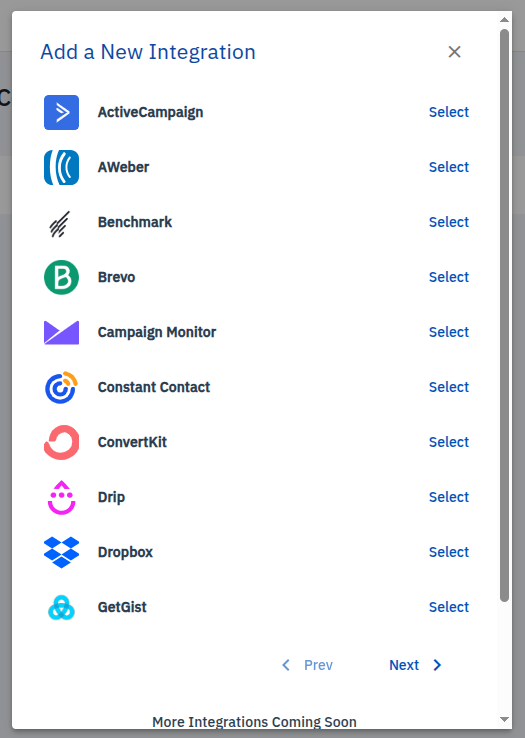
Currently, we support the following integrations:
- ActiveCampaign
- AWeber
- Benchmark
- Brevo
- Campaign Monitor
- Constant Contact
- ConvertKit
- Drip
- Dropbox
- GetGist
-
Enter API Credentials: Select the integration you want to connect. You will be prompted to enter your API credentials.
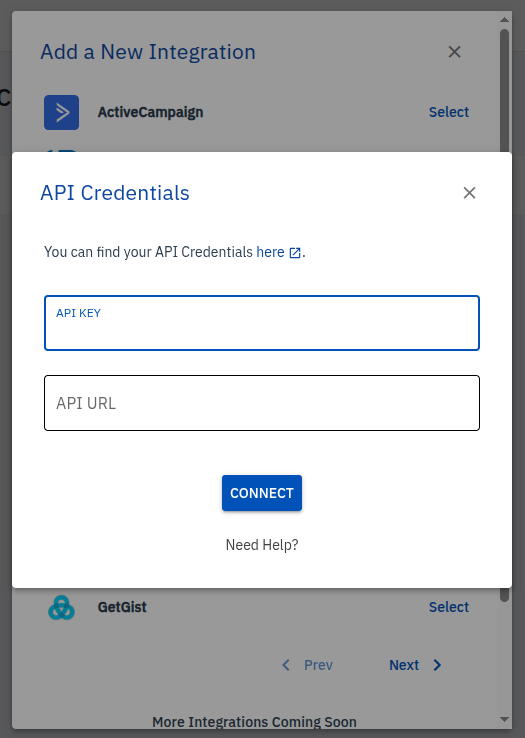
- API Key: Enter the API key from your service provider.
- API URL: Enter the API URL from your service provider.
-
Connect: Click the Connect button. Once your credentials are verified, the integration will be successfully connected.
Managing Connected Integrations
Once you have connected an integration, it will appear in your Connected Integrations list.
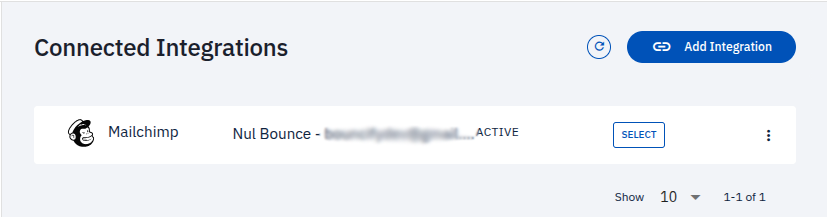
From here, you can:
- View all your active integrations.
- Select an integration to manage its settings.
- Refresh the list of integrations using the refresh button.
More integrations are coming soon, so stay tuned for updates!